top of page

Resources
Designed to enhance teaching and learning
Guides

30 Evidence Informed Reading Activities
This set of reading activities is designed to transform how upper primary and secondary students connect with texts

iPad Families Guide
This iPad families guide walks through the key features needed to help your family stay safe and productive

Secondary Mac Experiences
This guide is designed to equip and empower teachers in secondary schools to utalise Mac for teaching and learning
Videos
Digital Safety
Digital Safety

1. Set up Parental Controls on your child's device
01:05

2. Decide who can talk to your child
01:17

3. Protect kids from what they see and send
01:17

4. Select apps and features to allow or turn off
01:06
Support and Focus
Support and Focus

6. Keep track of your child's iPad habits
01:16

7. Schedule time away from screens
01:45

8. Set daily time limits on apps
01:42

9. Protect your child's hearing
01:30
Manage your child's iPad from your iPhone
Manage your child's iPad from your iPhone
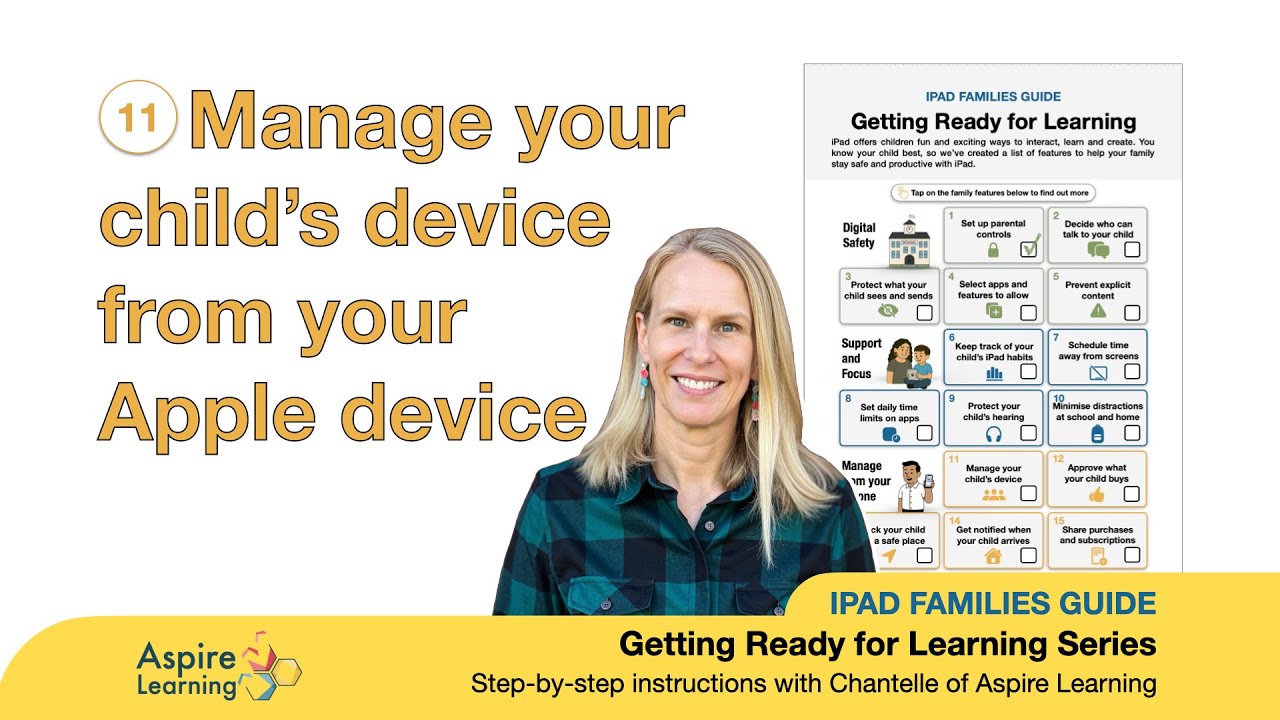
11. Manage you child's device from your Apple device
02:35

12. Approve what your child buys on their iPad
00:58

13. Check your child is in a safe place
01:04

14. Get notified when your child arrives
01:29
bottom of page